
Close Menu
    Facebook X (Twitter) Instagram
    • About
    • Privacy Policy
    • Contact Us
    Tuesday, November 11
    Facebook X (Twitter) Instagram
    codeblib.comcodeblib.com
    • Web Development

      Building a Headless Shopify Store with Next.js 16: A Step-by-Step Guide

      October 28, 2025

      Dark Mode the Modern Way: Using the CSS light-dark() Function

      October 26, 2025

      The CSS if() Function Has Arrived: Conditional Styling Without JavaScript

      October 24, 2025

      Voice Search Optimization for Web Developers: Building Voice-Friendly Websites in the Age of Conversational AI

      October 20, 2025

      Voice Search Optimization: How AI Is Changing Search Behavior

      October 19, 2025
    • Mobile Development

      The Future of Progressive Web Apps: Are PWAs the End of Native Apps?

      November 3, 2025

      How Progressive Web Apps Supercharge SEO, Speed, and Conversions

      November 2, 2025

      How to Build a Progressive Web App with Next.js 16 (Complete Guide)

      November 1, 2025

      PWA Progressive Web Apps: The Secret Sauce Behind Modern Web Experiences

      October 31, 2025

      Progressive Web App (PWA) Explained: Why They’re Changing the Web in 2025

      October 30, 2025
    • Career & Industry

      AI Pair Programmers: Will ChatGPT Replace Junior Developers by 2030?

      April 7, 2025

      The Rise of Developer Advocacy: How to Transition from Coding to Evangelism

      February 28, 2025

      Future-Proofing Tech Careers: Skills to Survive Automation (Beyond Coding)

      February 22, 2025

      How to Build a Compelling Developer Portfolio: A Comprehensive Guide

      October 15, 2024

      The Future of Web Development: Trends to Watch in 2025

      October 15, 2024
    • Tools & Technologies

      Top 10 Use-Cases of Aera Browser for Developers

      November 11, 2025

      How Aera Browser Enables No-Code Automation for Marketers

      November 9, 2025

      The AI Browser War: Aera Browser vs Atlas Browser

      November 7, 2025

      Cursor 2.0 Released: Faster, Smarter, and More Agentic Than Ever

      November 6, 2025

      Aera Browser: The AI-Powered Revolution Changing How We Browse the Web

      November 4, 2025
    codeblib.comcodeblib.com
    Home»Web Development»Dark Mode the Modern Way: Using the CSS light-dark() Function
    Web Development

    Dark Mode the Modern Way: Using the CSS light-dark() Function

    codeblibBy codeblibOctober 26, 2025No Comments4 Mins Read
    The new light-dark() function lets you create adaptive themes in a single line
    The new light-dark() function lets you create adaptive themes in a single line
    Share
    Facebook Twitter LinkedIn Pinterest Email Copy Link

    Introduction

    If you’ve ever built a website in 2025, you already know one thing, users love dark mode. It’s sleek, it’s easy on the eyes, and it gives your design that “pro” feel.

    But here’s the problem: adding dark mode traditionally meant lots of CSS, repeated color rules, and sometimes even extra JavaScript toggles. Not anymore.

    Say hello to the new CSS light-dark() function, a modern, built-in way to create dark mode styles without the mess. No more conditionals, no more @media blocks. Just one elegant line of CSS.

    What Is the CSS light-dark() Function?

    The light-dark() function is part of the latest CSS color module and lets you define two colors: one for light mode and one for dark mode.

    Here’s the magic:

    color: light-dark(black, white);

    This single line tells the browser:

    • Use black in light mode
    • Use white in dark mode

    That’s it, no JavaScript, no extra CSS files. The browser automatically picks the right color based on the user’s OS or browser theme.

    Why It’s a Game-Changer for Developers

    Let’s be real, managing dark mode has always been clunky. You’d typically write something like this:

    @media (prefers-color-scheme: dark) {
      body {
        background-color: #121212;
        color: #e0e0e0;
      }
    }

    That works, but it becomes messy when you’re designing large projects or design systems.
    The light-dark() function changes everything by keeping your theme logic inline, right inside the property.

    Here’s why developers love it:

    • ✅ Cleaner, readable CSS
    • ✅ No need for repetitive media queries
    • ✅ Automatically adapts to system settings
    • ✅ Works perfectly with variables and design tokens

    Practical Example, Dark Mode Without the Drama

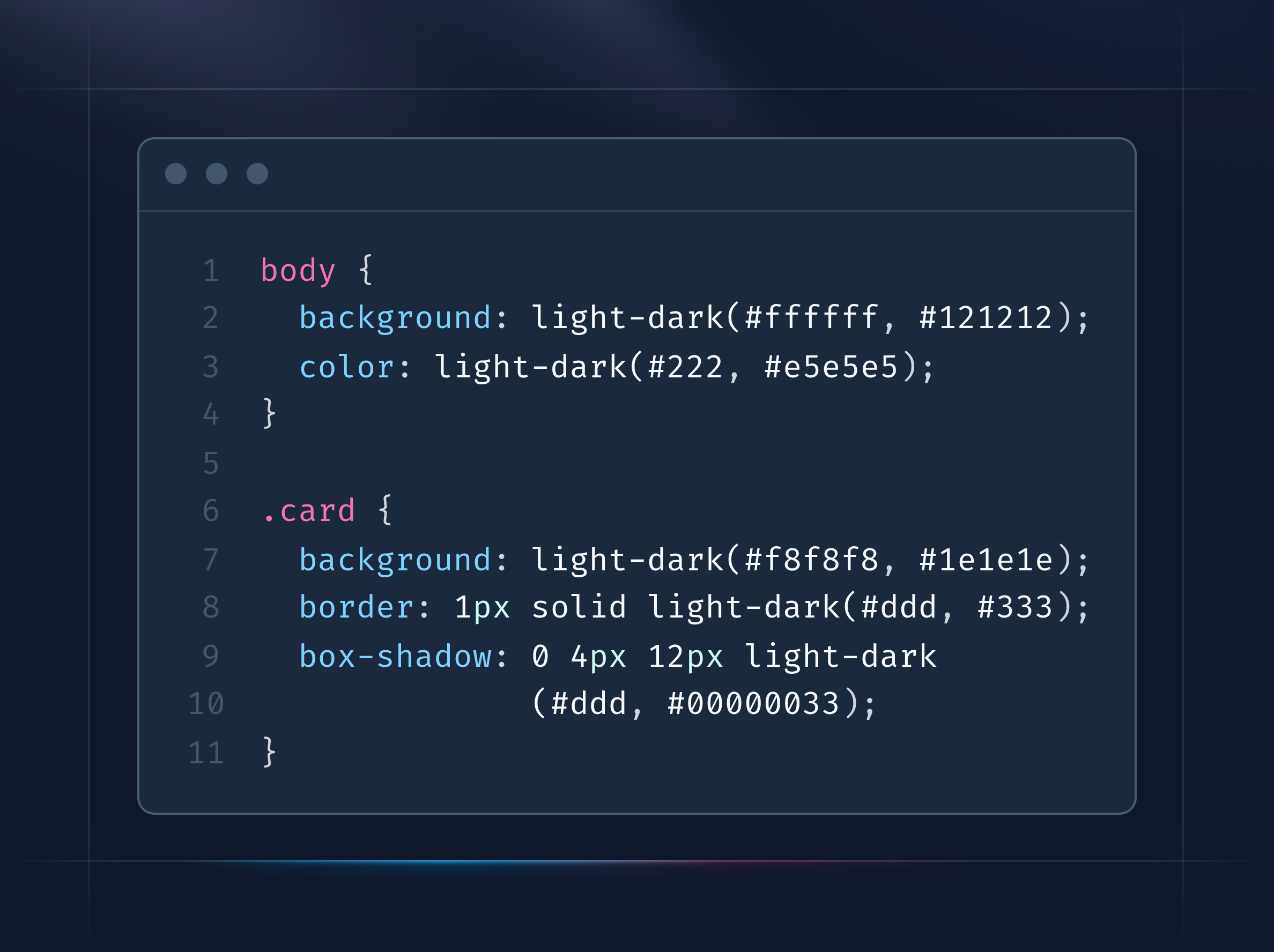
    Here’s how you can create a fully responsive dark mode section in seconds:

    body {
      background: light-dark(#ffffff, #121212);
      color: light-dark(#222, #e5e5e5);
    }
    
    .card {
      background: light-dark(#f8f8f8, #1e1e1e);
      border: 1px solid light-dark(#ddd, #333);
      box-shadow: 0 4px 12px light-dark(#ddd, #00000033);
    }

    Notice how everything stays inside one rule? No duplication, no confusion.
    This makes your codebase faster to read, easier to maintain, and cleaner for the next developer who joins your project.

    Combining light-dark() with CSS Variables

    If you’re building a design system or using a component library, you can pair light-dark() with variables:

    :root {
      --background: light-dark(#fefefe, #0d0d0d);
      --text: light-dark(#202020, #fafafa);
    }
    
    body {
      background: var(--background);
      color: var(--text);
    }

    This pattern gives you reusable theme colors that automatically adjust based on user preference, perfect for Next.js, React, or any framework-based UI.

    Browser Support (as of October 2025)

    The good news? Browser adoption is moving fast.

    ✅ Supported: Chrome 137+, Edge 137+, Opera (Chromium)
    🧪 In Development: Firefox
    🗺️ On the Roadmap: Safari

    To help browsers understand your color mode better, always include this:

    :root {
      color-scheme: light dark;
    }

    This ensures form fields, scrollbars, and other native UI elements match your theme automatically.

    🚀 Pro Tip: Combine with @when and if()

    If you’re experimenting with other modern CSS features like @when or if(), you can take things further:

    body {
      background: if(supports(color: light-dark(black, white)), light-dark(white, black), white);
    }

    This ensures graceful fallback for older browsers — and shows off how powerful CSS logic has become in 2025.

    Why This Matters for the Future of Web Design

    The introduction of light-dark() is more than a convenience, it’s a shift in how CSS handles logic.
    Developers can now express “if-else” style decisions inside their stylesheets, no pre-processors, no build tools.

    It’s a big step toward truly dynamic, context-aware design systems, and it’s one more reason CSS is evolving faster than ever.

    Internal Link (for Codeblib)

    • The CSS if() Function Has Arrived: Conditional Styling Without JavaScript
    • Next.js 16 Performance Checklist: 10 Must-Do Optimizations for Faster Builds and Runtime
    • How to Set Up Serverless Functions in Next.js on Vercel

    Conclusion

    The CSS light-dark() function is the easiest, cleanest, and most future-proof way to support dark mode today.
    Whether you’re maintaining a blog, building a SaaS dashboard, or designing a mobile-first landing page, this feature will save you hours of styling work.

    So next time you start a new project, remember:

    “One function, two modes, no compromises.”

    css modern web
    Share. Facebook Twitter Pinterest LinkedIn Tumblr Email Copy Link
    Unknown's avatar
    codeblib

    Related Posts

    Building a Headless Shopify Store with Next.js 16: A Step-by-Step Guide

    October 28, 2025

    The CSS if() Function Has Arrived: Conditional Styling Without JavaScript

    October 24, 2025

    Voice Search Optimization for Web Developers: Building Voice-Friendly Websites in the Age of Conversational AI

    October 20, 2025

    Voice Search Optimization: How AI Is Changing Search Behavior

    October 19, 2025

    Mastering Advanced Dynamic Sitemap Generation in Next.js 16 for Enterprise SEO

    October 17, 2025

    Next.js 16 Performance Checklist: 10 Must-Do Optimizations for Faster Builds and Runtime

    October 16, 2025
    Add A Comment

    Comments are closed.

    Categories
    • Career & Industry
    • Editor's Picks
    • Featured
    • Mobile Development
    • Tools & Technologies
    • Web Development
    Latest Posts

    React 19: Mastering the useActionState Hook

    January 6, 2025

    Snap & Code: Crafting a Powerful Camera App with React Native

    January 1, 2025

    Progressive Web Apps: The Future of Web Development

    December 18, 2024

    The Future of React: What React 19 Brings to the Table

    December 11, 2024
    Stay In Touch
    • Instagram
    • YouTube
    • LinkedIn
    About Us
    About Us

    At Codeblib, we believe that learning should be accessible, impactful, and, above all, inspiring. Our blog delivers expert-driven guides, in-depth tutorials, and actionable insights tailored for both beginners and seasoned professionals.

    Email Us: info@codeblib.com

    Our Picks

    Top 10 Use-Cases of Aera Browser for Developers

    November 11, 2025

    How Aera Browser Enables No-Code Automation for Marketers

    November 9, 2025

    The AI Browser War: Aera Browser vs Atlas Browser

    November 7, 2025
    Most Popular

    The Future of Progressive Web Apps: Are PWAs the End of Native Apps?

    November 3, 2025

    How Progressive Web Apps Supercharge SEO, Speed, and Conversions

    November 2, 2025

    How to Build a Progressive Web App with Next.js 16 (Complete Guide)

    November 1, 2025
    Instagram LinkedIn X (Twitter)
    • Home
    • Web Development
    • Mobile Development
    • Career & Industry
    • Tools & Technologies
    © 2025 Codeblib Designed by codeblib Team

    Type above and press Enter to search. Press Esc to cancel.